Pick one or many random dates between two calendar dates with weekday and weekend filters, unique-date mode, formatted results, and copy-ready output.
Choose a date range to start.
Random calendar picker
Your random dates
Choose your range and generate a date.
Random Date Generator: Setup and Example Results
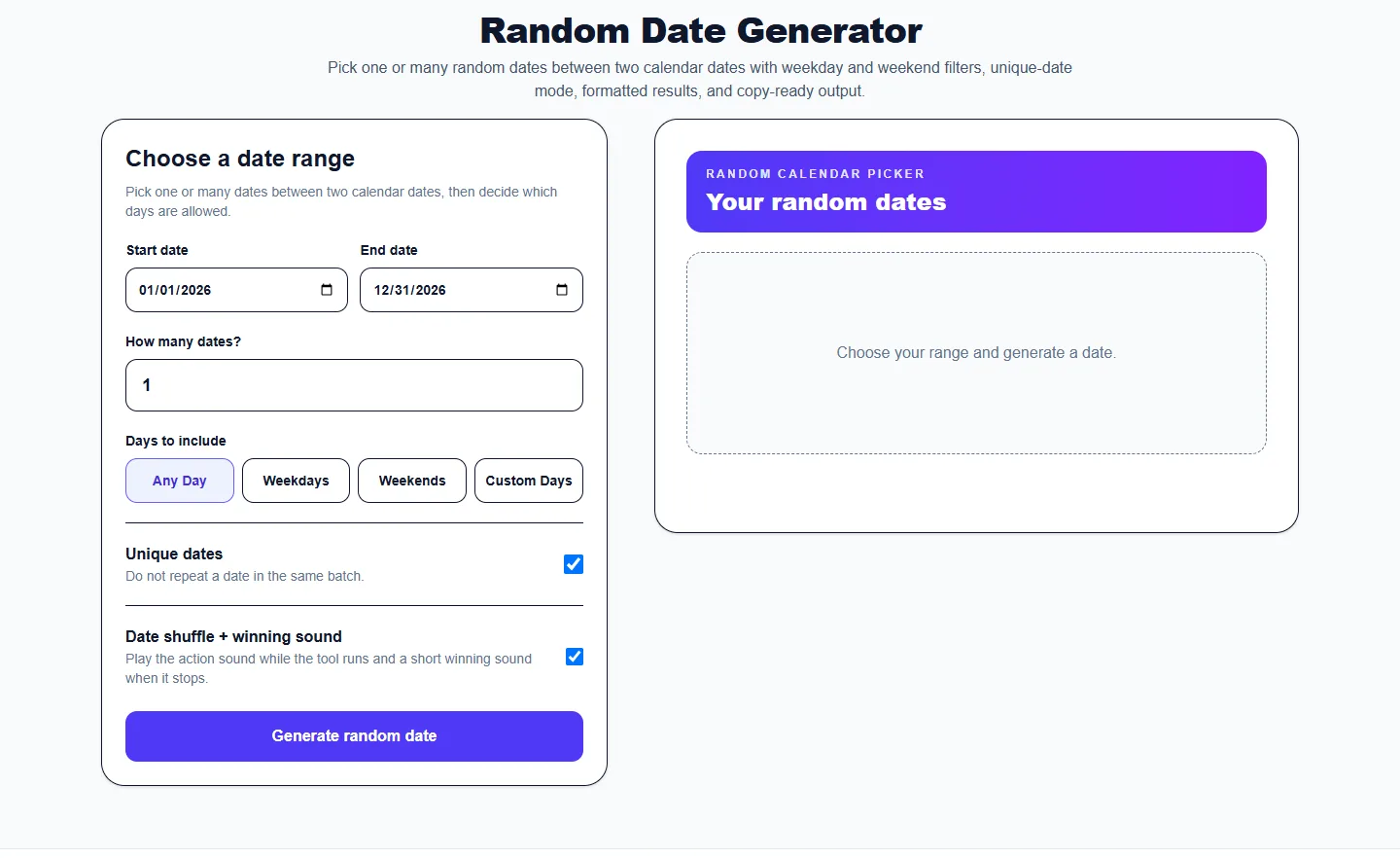
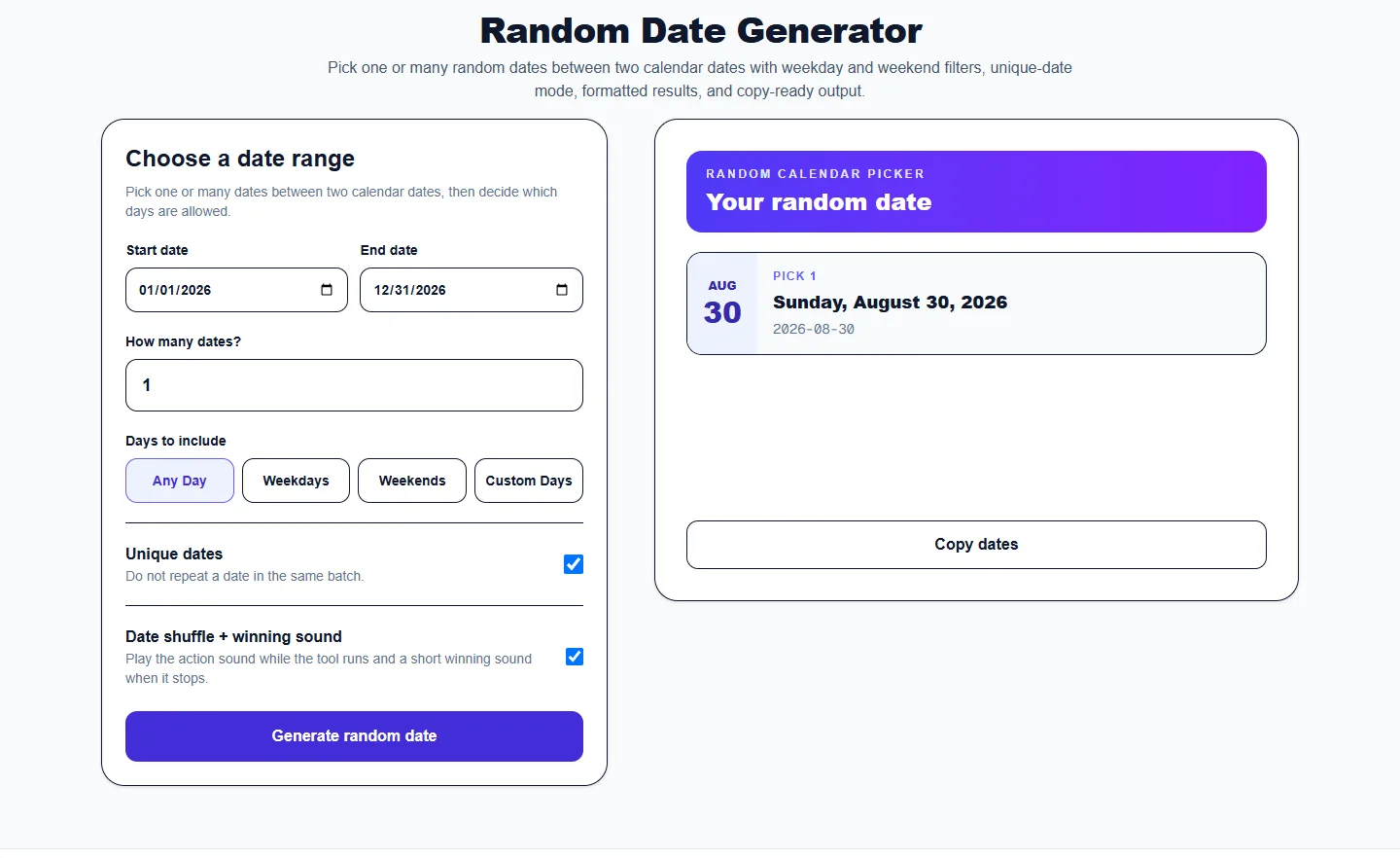
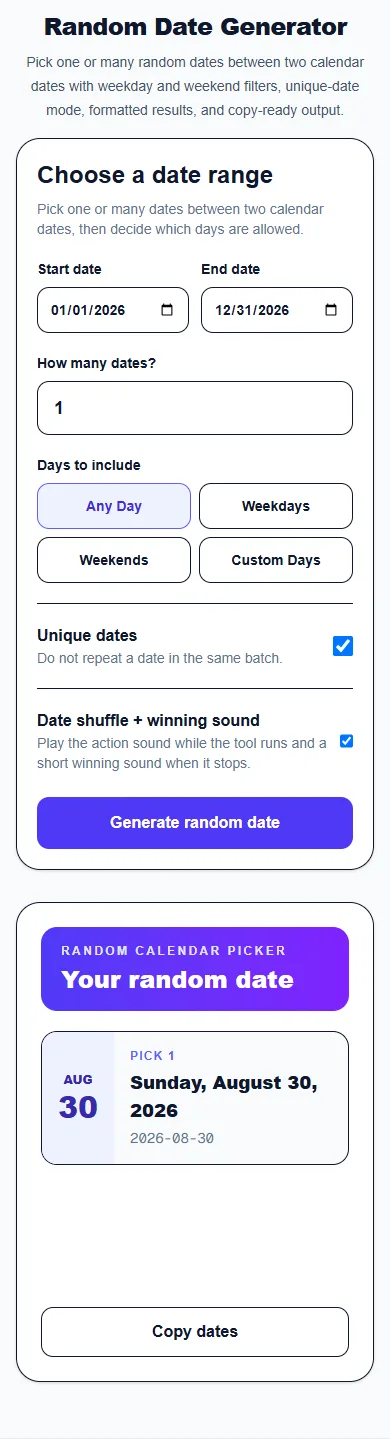
These captures show the current English controls on desktop and phone. Follow the steps below each image; your random results will vary. Select an image to view it at full size.
Set up on desktop
Set Start date, End date, How many dates and Days to include. Unique dates prevents duplicates within the generated batch.
Read the result
Read the generated dates and use the copy control for the displayed output. If no dates match the filters, adjust the range or allowed days.
Use it on a phone
On a phone, the tool and controls stack vertically. Read the generated dates and use the copy control for the displayed output. If no dates match the filters, adjust the range or allowed days.
About this tool
What is a Random Date Generator?
The Random Date Generator chooses one or more dates from a start and end date you provide. Instead of converting dates into numbers manually, the tool works directly with calendar inputs and displays each result in both a readable format and ISO-style YYYY-MM-DD format.
You can include every calendar day, weekdays only, weekends only, or choose exact days of the week with Custom days. In Custom days, check only the weekdays you want included. Unique-date mode prevents the same date from appearing twice when you generate several dates in one batch.
Random dates are useful for testing software, planning exercises, classroom activities, sampling records, selecting event dates, generating example birthdays, and any task that requires an impartial date within a defined period.
Pick a random day: practical examples
Pick a random day this month
For a practice example, set Start date to 2027-06-01 and End date to 2027-06-30. Set How many dates? to 1, choose Any Day, then press Generate random date. Any of the 30 dates in June can be selected. Use your own month and year when planning a real activity.
Choose three different weekend dates
Use the same June range, choose Weekends, set How many dates? to 3 and leave Unique dates checked. Each result will be a different Saturday or Sunday. This filters by day of the week; it does not check holidays or anyone's availability.
Generate dates for Tuesdays and Thursdays
Choose Custom Days, then check Tuesday and Thursday. No days are selected when you first switch to Custom Days. Choose a range containing those weekdays, set the number of dates you need and generate the results. Copy dates copies one YYYY-MM-DD date per line.
How to Use Random Date Generator
1
Choose a start date
Set the earliest date that can be selected. The generated result will never be earlier than this value.
2
Choose an end date
Set the latest eligible date. The generator chooses from the inclusive calendar range between the start and end dates.
3
Choose how many dates you need
Enter a whole number from 1 to 30. With Unique dates checked, the requested count cannot exceed the number of dates allowed by your range and day filters.
4
Choose eligible days
Choose Any Day for all seven days, Weekdays for Monday through Friday, or Weekends for Saturday and Sunday. Only Custom Days requires you to check individual days; it starts with none selected.
5
Keep dates unique and copy the results
Keep Unique dates checked to prevent duplicates within this batch. A later batch may include dates from an earlier one. Use Copy dates to copy the results as one YYYY-MM-DD date per line.
Features and Modes
Pick a random date between two dates
Define any valid start and end dates and let the generator choose a calendar date inside that interval.
Generate multiple random dates
Create a batch of dates instead of repeating the generator one result at a time.
Weekday random date generator
Use the Weekdays filter when results must fall Monday through Friday, such as business-day examples, work schedules, or school activities.
Weekend random date generator
Use the Weekends filter when only Saturday and Sunday dates should be eligible.
Custom day-of-week filter
Choose Custom days when you only want specific weekdays, such as Tuesday and Thursday. All custom days start unchecked so you include only the days you want.
Browser-based random dates
Eligible dates are selected in your browser using the Web Crypto random-number API. Unique-date mode removes each chosen date from the current batch before selecting the next one.
Common Uses
Software testing
Generate sample dates for forms, databases, QA scenarios, date-range validation, and test data.
Classroom activities
Choose dates for history prompts, calendar exercises, scheduling games, or random research assignments.
Sampling records
Pick random dates from a study period when you need an unbiased set of time points.
Planning and creative prompts
Choose a random day for an activity, challenge, content prompt, fictional birthday, or scheduling exercise.
Frequently Asked Questions
Can I generate a random date between two dates?
Yes. Enter a start and end date, then generate one or more random dates inside that range.
How do I pick a random day in a month?
Set Start date to the first day of the month and End date to its last day. Set How many dates? to 1, choose Any Day and press Generate random date. Both boundary dates are included unless your day filter excludes them.
Why can I not generate the requested dates?
Check that the end date is not before the start date, the range is no longer than 36,600 days and the count is a whole number from 1 to 30. Custom Days needs at least one checked weekday that occurs in your range. With Unique dates checked, request no more dates than the filters allow.
Does Weekdays exclude public holidays?
No. Weekdays includes Monday through Friday, including any public holidays in that range. The generator does not check regional holidays, bookings or personal availability.
Can I generate weekdays only?
Yes. Select Weekdays for Monday through Friday, or use Custom days and check only the exact weekdays you want included.
Can I generate weekends only?
Yes. Select the Weekends filter.
Can I prevent duplicate dates?
Yes. Keep Unique dates checked to avoid repeats within one batch. Generating another batch starts a fresh selection, so a date from an earlier batch may appear again.
More from Spinning My Wheel
Explore Our Main Tools
Jump to another main picker when you need names, decisions, party prompts, or random numbers.