
D&D Dice Roller
Choose your dice, add a modifier, and roll. Use a single D20 for advantage or disadvantage.
Choose dice
Adjust individual dice · 1 selected
Advantage keeps the higher of two D20s; disadvantage keeps the lower.
Dice tray
1 die selected
Optional sound during the roll.
Recent rolls
Your rolls will appear here. History lasts for this tab session.
D&D Dice Roller: Setup and Example Results
These captures show the current English controls on desktop and phone. Follow the steps below each image; your random results will vary. Select an image to view it at full size.
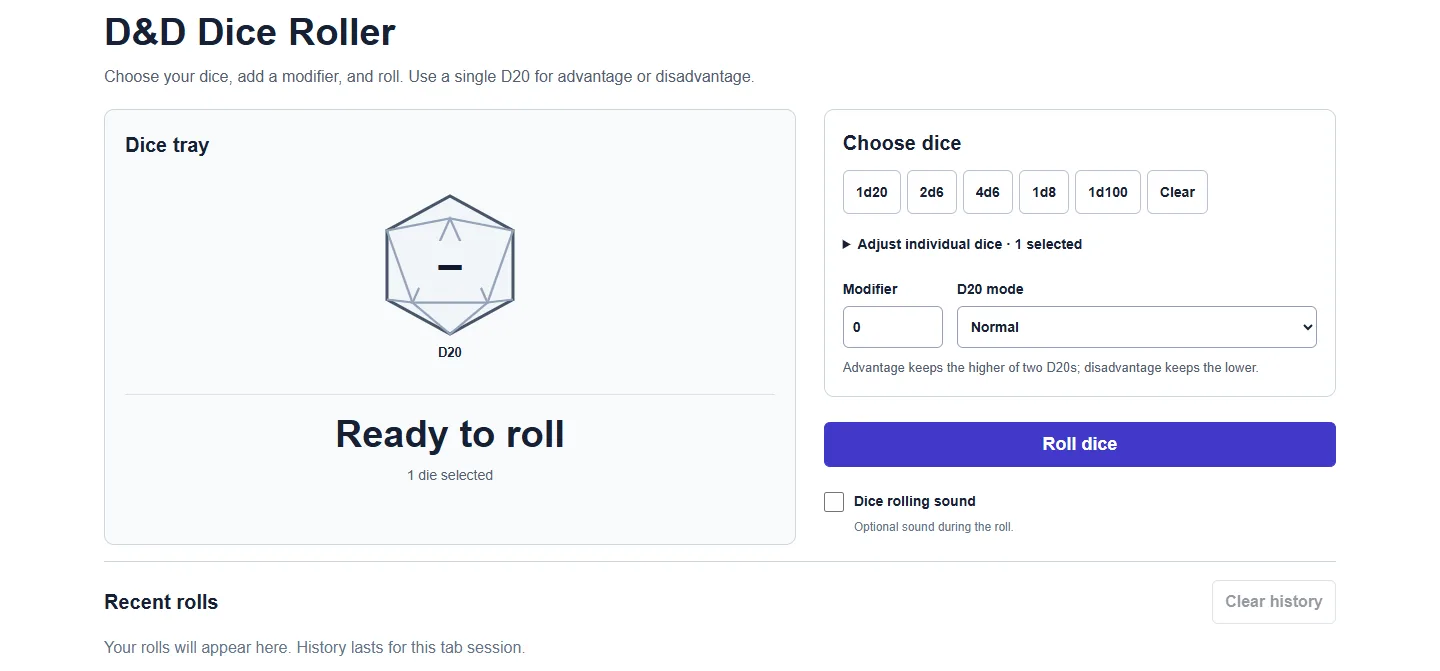
Set up on desktop
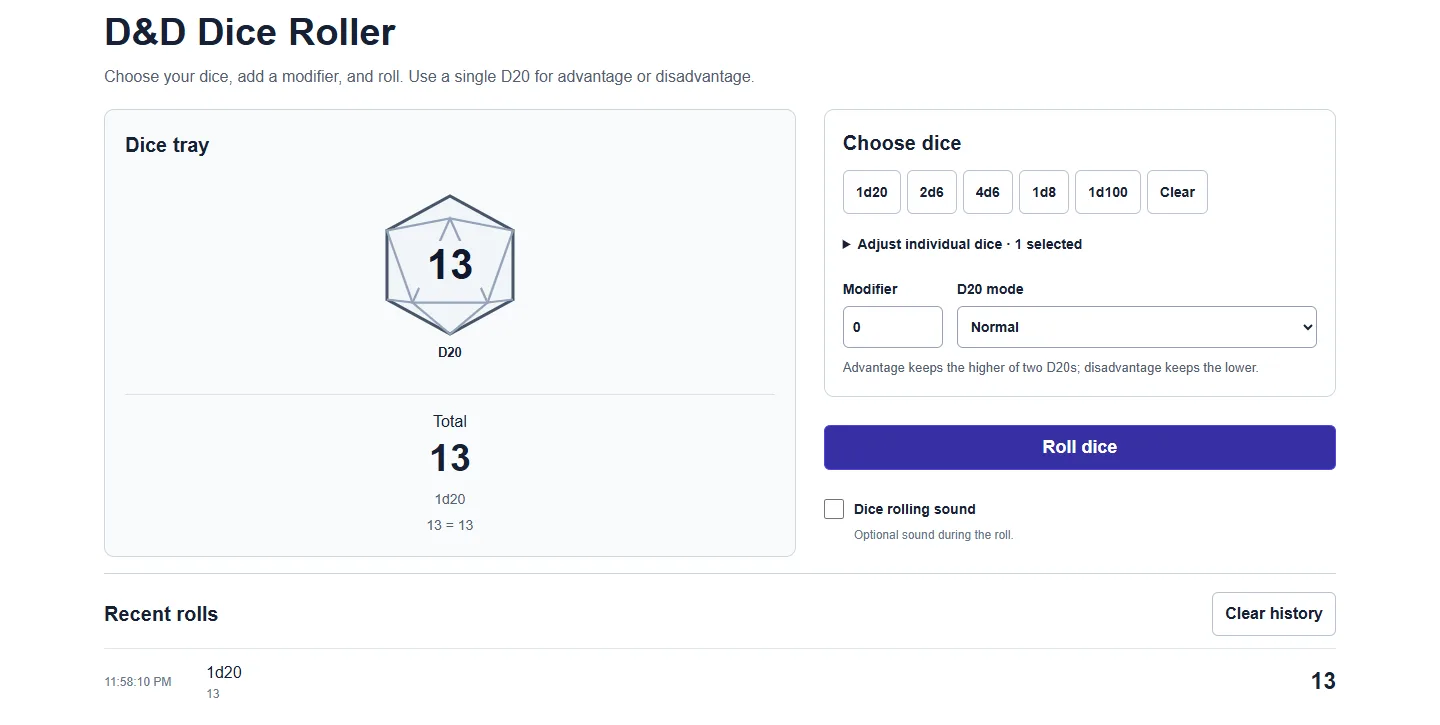
Read the result
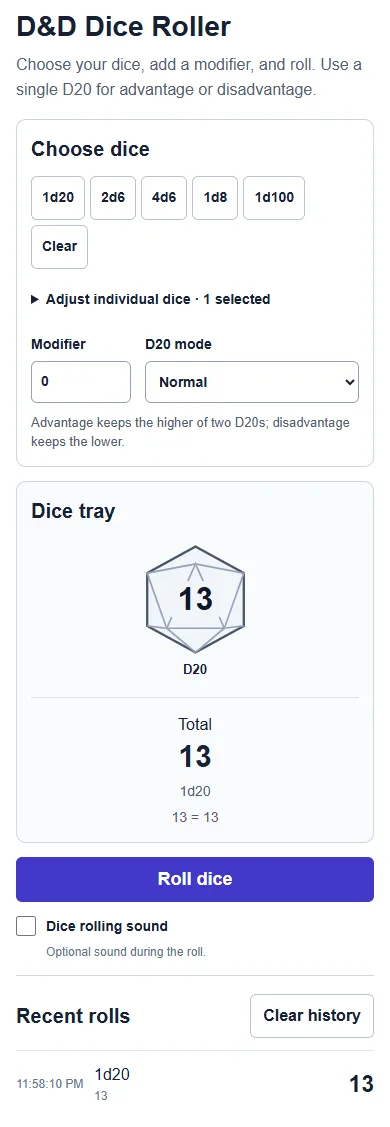
Use it on a phone
How to roll D&D dice
- Choose a quick roll or adjust the number of each die. You can mix D4, D6, D8, D10, D12, D20 and D100.
- Add a modifier if your roll needs one. For a single D20 check, choose Normal, Advantage or Disadvantage.
- Press Roll. Read each die and the total; dropped D20s are shown but excluded from the total.
- Roll again with the same setup, or choose another pool. Recent rolls stay below the tray.
Common rolls
Attack or ability check: select 1d20 and your modifier. Damage: choose a pool such as 2d6 + 3. Percentile table: select 1d100 for a result from 1 to 100.
Each die uses browser cryptographic randomness with rejection sampling to avoid modulo bias. Rolls are independent; earlier results do not change the next roll.
Frequently asked questions
How do advantage and disadvantage work?
Select one D20, then choose Advantage or Disadvantage. Two D20s are rolled; the higher or lower result is kept. Ties keep one die. Your modifier is added once. These modes are unavailable for mixed pools.
How do I add a modifier?
Enter a whole number such as 5 or -2. The modifier is added once to the sum of the kept dice, not to every die. For example, 2d6 + 3 adds three to the combined dice total.
Does a natural 20 always mean success?
A natural 20 is the unmodified D20 result. This tool highlights natural 20s and natural 1s on single-D20 checks, including advantage and disadvantage. Your game rules determine what they mean; the roller does not decide success or failure.
What does D100 mean here?
D100 produces one equally likely integer from 1 to 100. It is displayed as one percentile result rather than a physical pair of ten-sided dice.
Are my rolls saved?
The most recent 20 rolls stay in this tab until you clear them or reload the page. No account is needed. Sound is optional, and reduced-motion preferences shorten the roll animation.
More from Spinning My Wheel
Explore Our Main Tools
Jump to another main picker when you need names, decisions, party prompts, or random numbers.
Wheel of Names
Add names or choices, spin the wheel, and pick one at random.
Open tool →Yes or No Wheel
Get a random yes, no, maybe, or decision-style answer.
Open tool →Truth or Dare Wheel
Spin for Truth or Dare with built-in categories and prompts.
Open tool →Random Number Wheel
Choose a number range or open one of our focused random generators.
Open tool →