1
Choose how many dice to roll
Select any quantity from one to ten six-sided dice. One die produces a value from 1–6, while multiple dice produce separate results plus a combined total.

Online Dice Roller
Roll one to ten six-sided dice online with animated dice, optional sound, individual die values, totals, doubles detection, and roll history.
Ready to roll dice.
3D six-sided dice
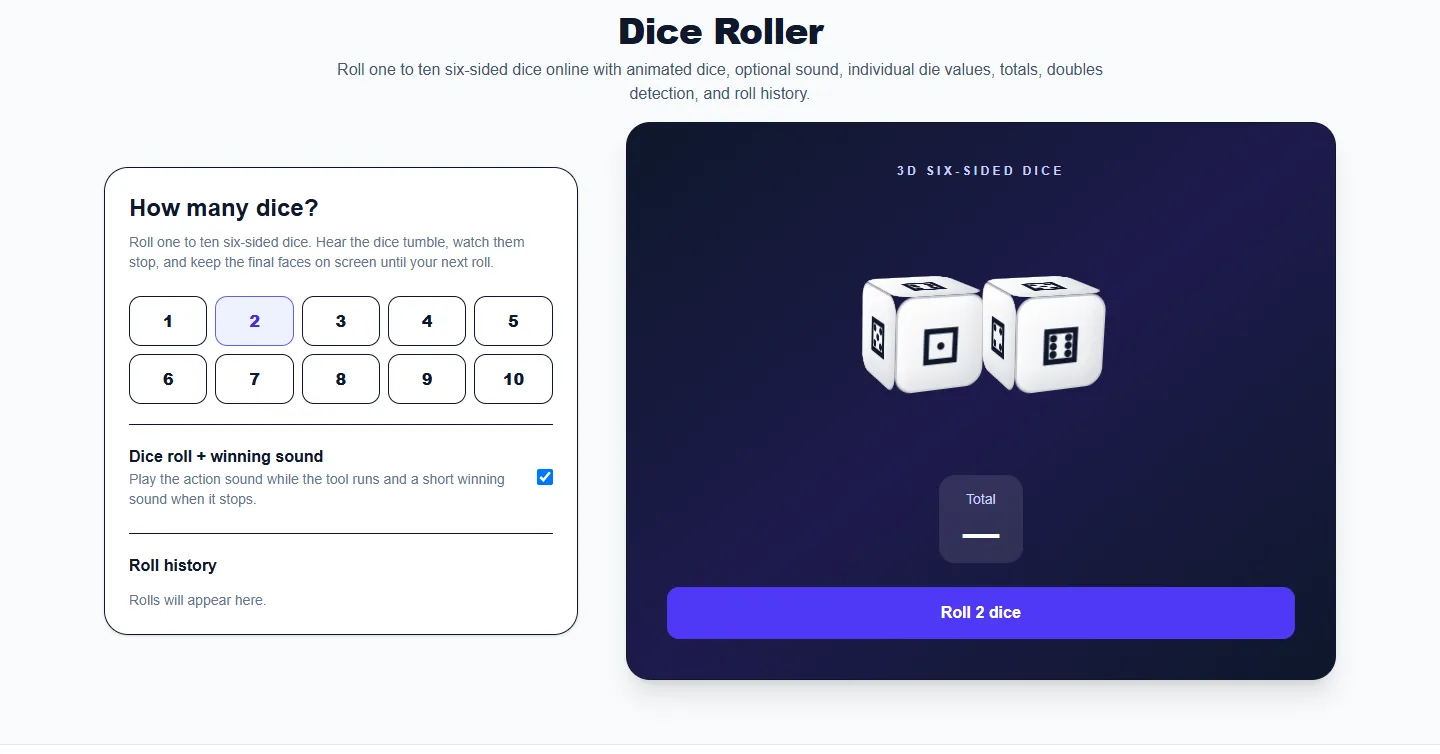
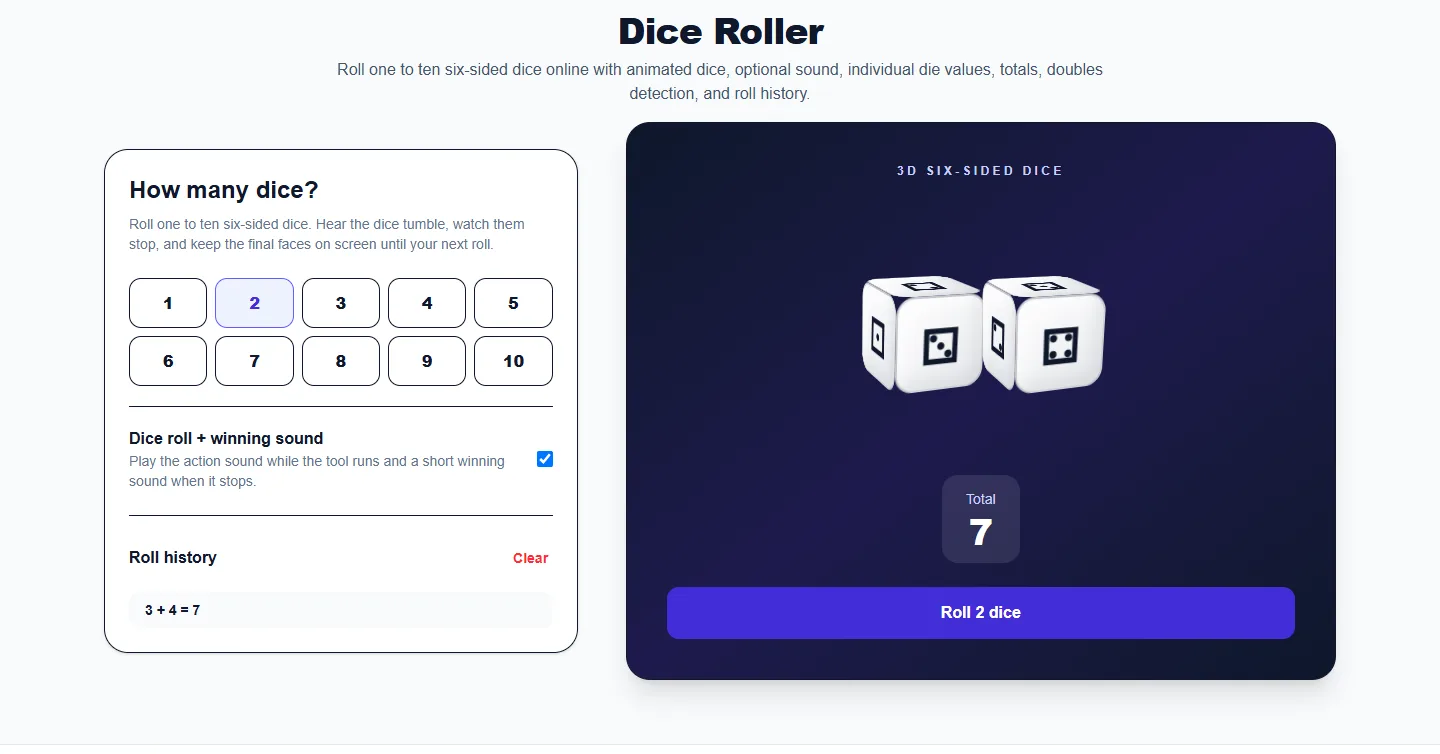
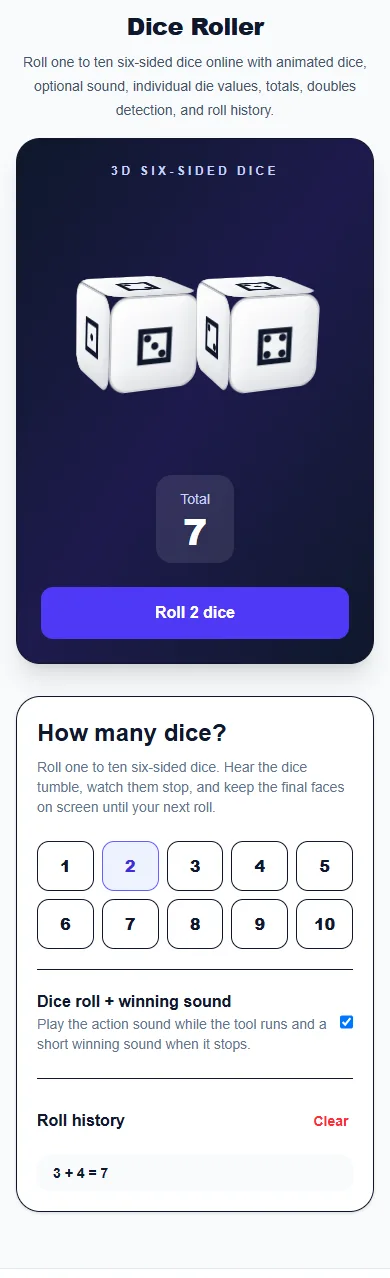
These captures show the current English controls on desktop and phone. Follow the steps below each image; your random results will vary. Select an image to view it at full size.
About this tool
The Dice Roller is a digital replacement for standard six-sided dice. Choose how many dice you need, from one to ten, and the tool generates each die independently before displaying the individual faces and combined total.
The interface is designed to feel like rolling real dice rather than using a plain random-number box. The dice animate during the roll, a short sound can play, and the result area keeps the dice visible so players can read each value before rolling again.
A history panel records recent rolls, which is useful for games, probability exercises, classroom demonstrations, and situations where you want to verify the sequence of results.
Select any quantity from one to ten six-sided dice. One die produces a value from 1–6, while multiple dice produce separate results plus a combined total.
Keep sound enabled for a more game-like roll, or turn it off for classrooms, offices, late-night sessions, or any environment where silent results are better.
The dice animate together and then settle on their random faces. Each die is generated separately, so adding more dice does not change the probability of an individual die face.
The tool adds all dice automatically. This is useful for board games, 2d6 systems, 3d6 checks, or any game where the sum matters more than individual faces.
The roll history shows the individual dice and total from previous throws. Clear the history whenever you begin a new game or activity.
Use a single digital die for a simple random result from 1 to 6. This is the closest replacement for throwing one physical six-sided die.
Two dice are common in board games and probability exercises. The tool shows both faces and automatically calculates their total.
Increase the quantity when a game or activity requires larger dice pools. Every die remains visible and the total updates after each roll.
The motion and optional sound make the tool feel more like a real game action while keeping the result fast and easy to read.
Each die value is generated in your browser with the Web Crypto random-number API. The animation and sound present the roll; they do not change the selected values.
Use the roller when physical dice are missing, hard to read, or inconvenient on a shared screen.
Roll repeated dice sets and compare totals, frequencies, doubles, and individual faces during probability lessons.
Share your screen during an online game so everyone can see the same animated result.
A single die can choose among six options, while multiple dice can create larger score ranges and game outcomes.
You can roll between one and ten standard six-sided dice at the same time.
Yes. It shows each die face and the combined total after every roll.
Yes. Use the Sound effects switch to make the roller silent.
Yes. Each six-sided die is generated separately with values from 1 through 6.
More from Spinning My Wheel
Jump to another main picker when you need names, decisions, party prompts, or random numbers.
Add names or choices, spin the wheel, and pick one at random.
Open tool →Get a random yes, no, maybe, or decision-style answer.
Open tool →Spin for Truth or Dare with built-in categories and prompts.
Open tool →Choose a number range or open one of our focused random generators.
Open tool →