1
Press Flip coin
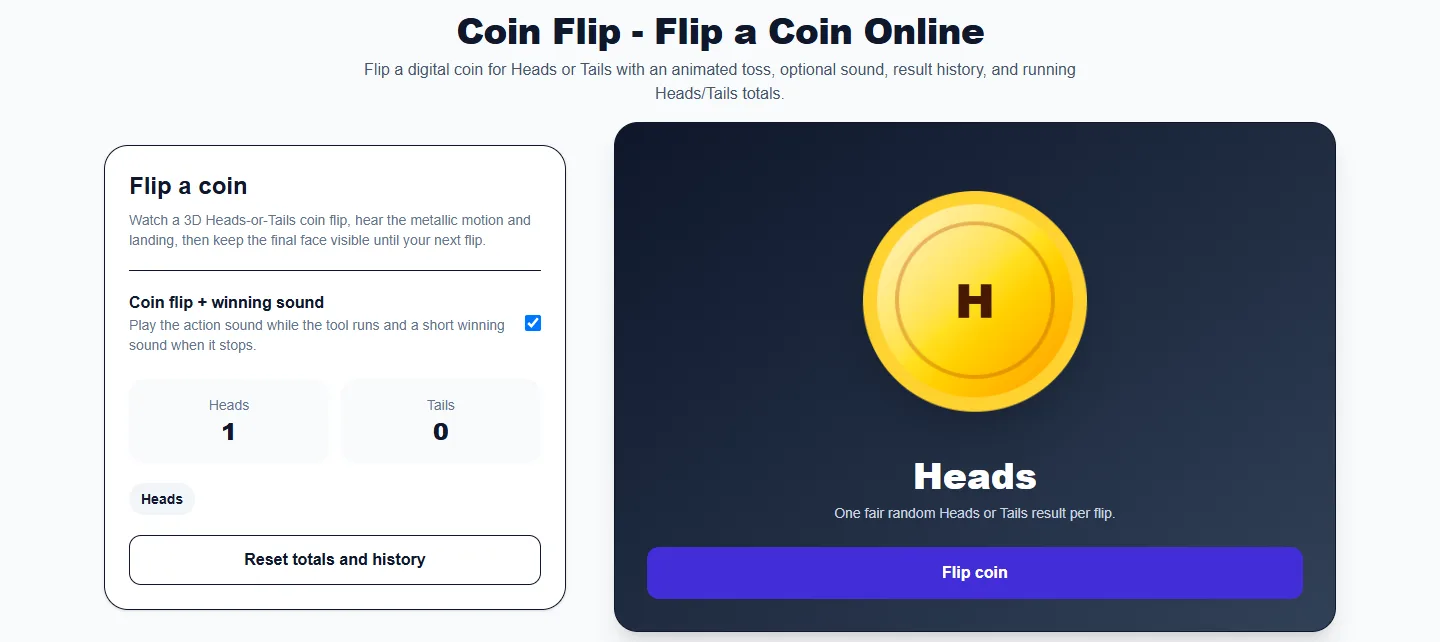
Start the animated toss. The coin rotates and then reveals either Heads or Tails.

Heads or Tails
Flip a digital coin for Heads or Tails with an animated toss, optional sound, result history, and running Heads/Tails totals.
Ready to flip a coin.
Ready to flip
One fair random Heads or Tails result per flip.
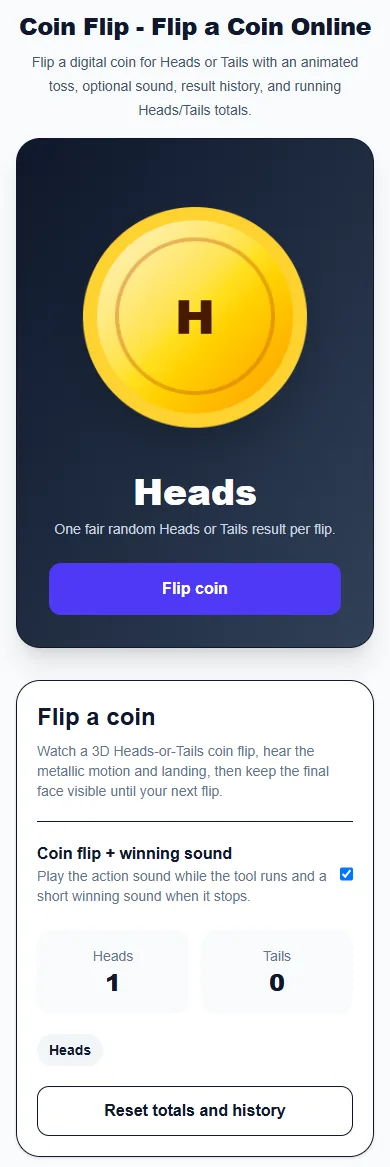
These captures show the current English controls on desktop and phone. Follow the steps below each image; your random results will vary. Select an image to view it at full size.

About this tool
The Coin Flip is a simple two-outcome randomizer that returns Heads or Tails. The coin rotates during the toss and then settles on one side, giving the interaction the feel of a physical coin flip while remaining fast and easy to repeat.
The history records recent flips and the counters track how many Heads and Tails results have appeared in your current session. These totals can be useful for probability demonstrations as well as games and decisions.
A coin toss is best when there are exactly two options. If you need more than two choices, use the Wheel of Names or another random picker instead.
Start the animated toss. The coin rotates and then reveals either Heads or Tails.
Keep the short flip sound enabled for a more physical feel, or turn it off for silent use.
The chosen side appears beneath the coin after the animation finishes.
The counters show how many of each outcome have appeared during the current session.
The history keeps recent Heads and Tails results visible for games or probability experiments.
A coin flip is ideal when a decision has two equally intended outcomes, such as yes/no, first/second, left/right, or team A/team B.
The result is presented through a rotating coin instead of plain text so the action feels more like flipping a real coin.
Recent tosses remain visible, which makes repeated experiments easier to follow.
Running counts let you compare the distribution of outcomes across repeated flips.
Each flip chooses Heads or Tails with the browser Web Crypto random-number API. The 3D coin animation reveals that result and the history records the outcome.
Assign one option to Heads and the other to Tails when you want a fast impartial choice.
Use a coin toss to decide first turn, starting side, or team order.
Run repeated flips and compare observed Heads/Tails totals with expected probability.
Use Heads or Tails as a simple game mechanic without needing a physical coin.
Yes. Press Flip coin to generate a Heads or Tails result.
Yes. Recent flips and running Heads/Tails totals are shown during the session.
Yes. Use the Sound effects toggle.
Use Coin Flip when you specifically want Heads/Tails. Use the Yes or No Wheel when you want decision labels, presets, and a wheel-style experience.
Press Reset totals and history. It clears both running counts, the recent flips and the latest result without reloading. The control is unavailable during a flip. Resetting does not change the 50/50 chance on the next toss.
More from Spinning My Wheel
Jump to another main picker when you need names, decisions, party prompts, or random numbers.
Add names or choices, spin the wheel, and pick one at random.
Open tool →Get a random yes, no, maybe, or decision-style answer.
Open tool →Spin for Truth or Dare with built-in categories and prompts.
Open tool →Choose a number range or open one of our focused random generators.
Open tool →