1. Add participants
Paste one eligible participant name or unique identifier per line, or import a CSV and choose its participant column. The first row can be treated as a header. Import replaces the current list.

Creator giveaway picker
Add your participants, review their entries and set the prize order. Spin, confirm each winner, then download the results.
Paste eligible names or unique participant IDs, one per line. Up to 500 entries. Use IDs when different people share a name.
0 lines · 0 unique identifiers
Participant lists are processed in this browser. This tool does not import YouTube comments or check eligibility. Setup and results clear on refresh.
Newest first. Confirmed giveaway results remain recorded until you start a new giveaway.
Your results will appear here after you spin.
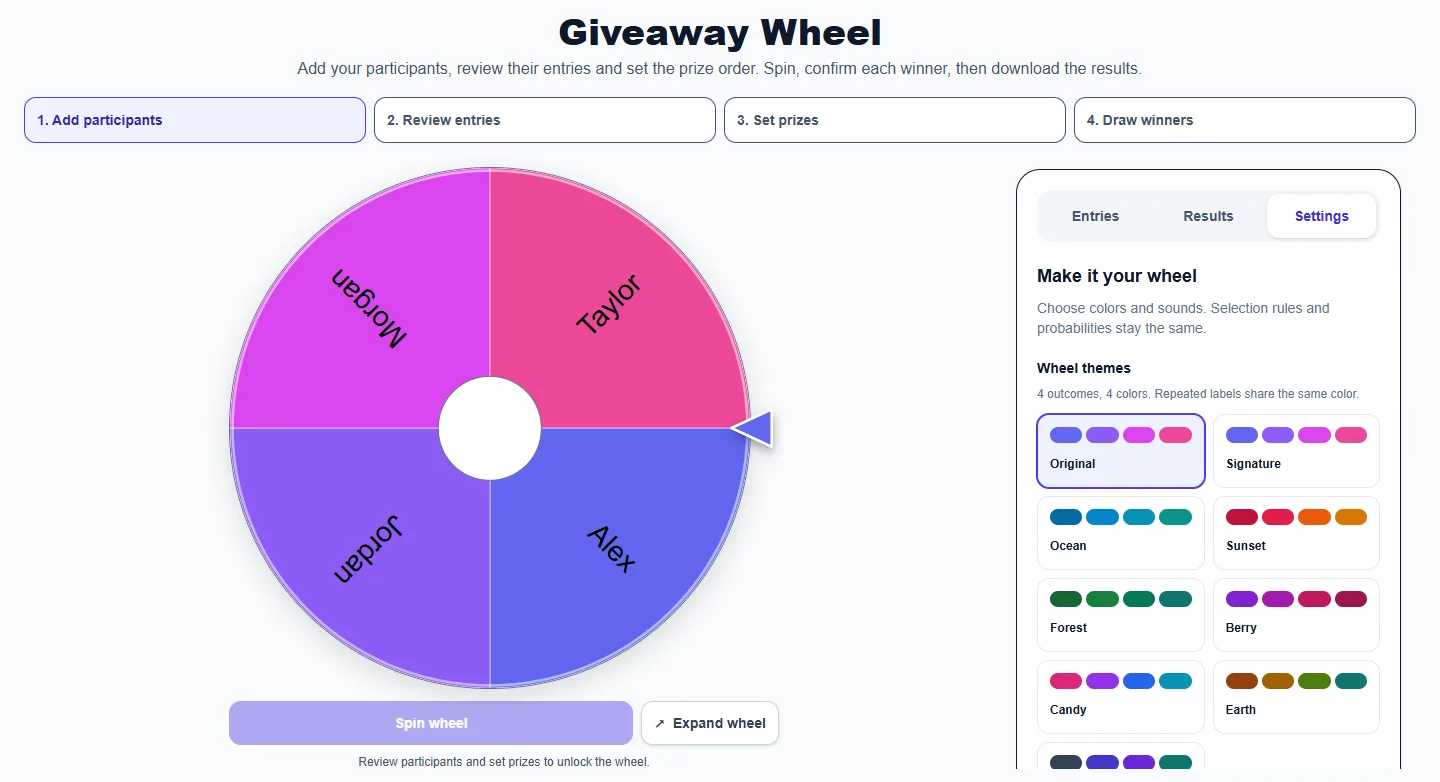
Choose colors and sounds. Selection rules and probabilities stay the same.
Review participants and set prizes to unlock the wheel.
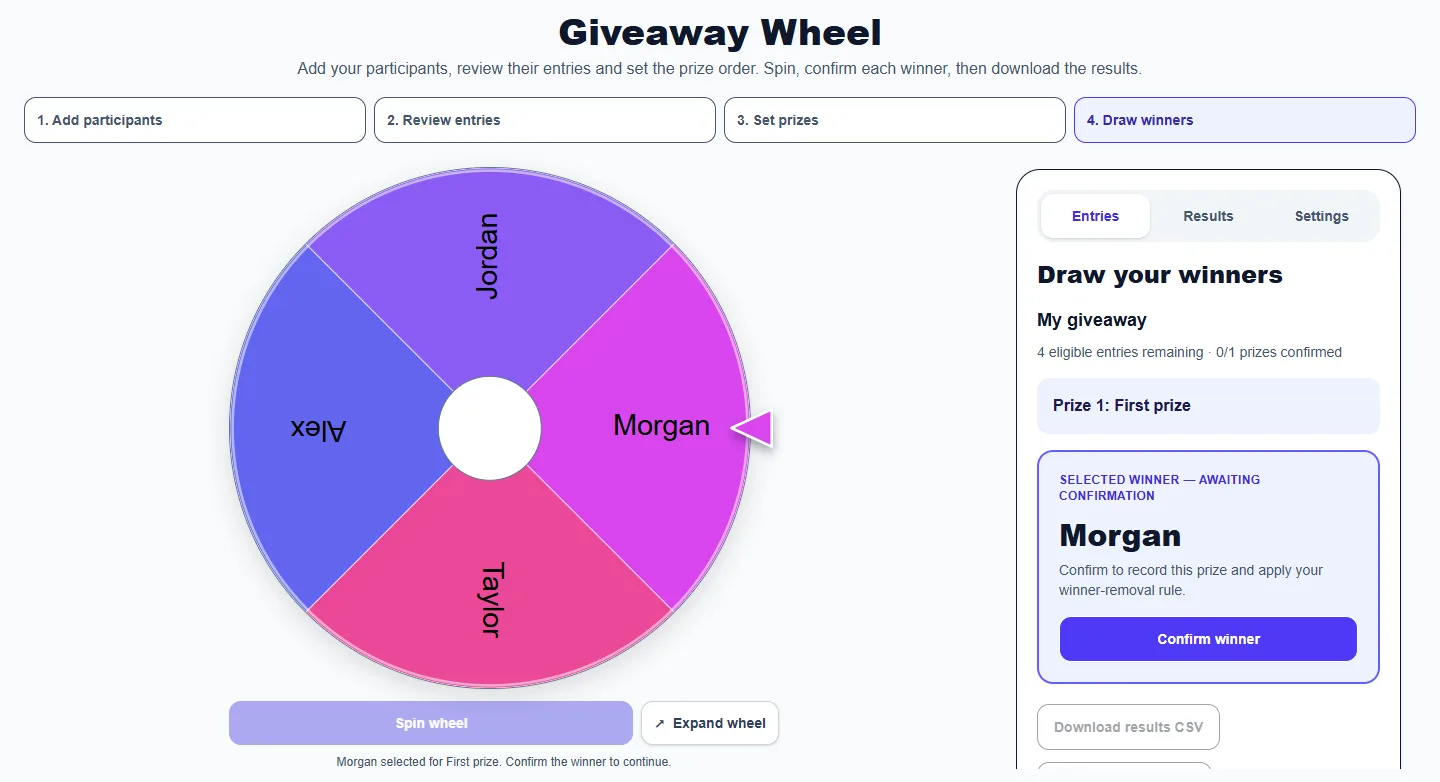
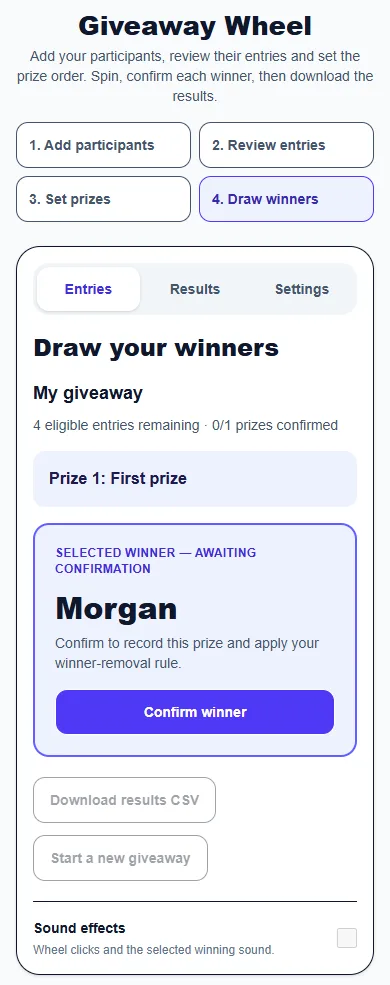
These captures show the current English controls on desktop and phone. Follow the steps below each image; your random results will vary. Select an image to view it at full size.
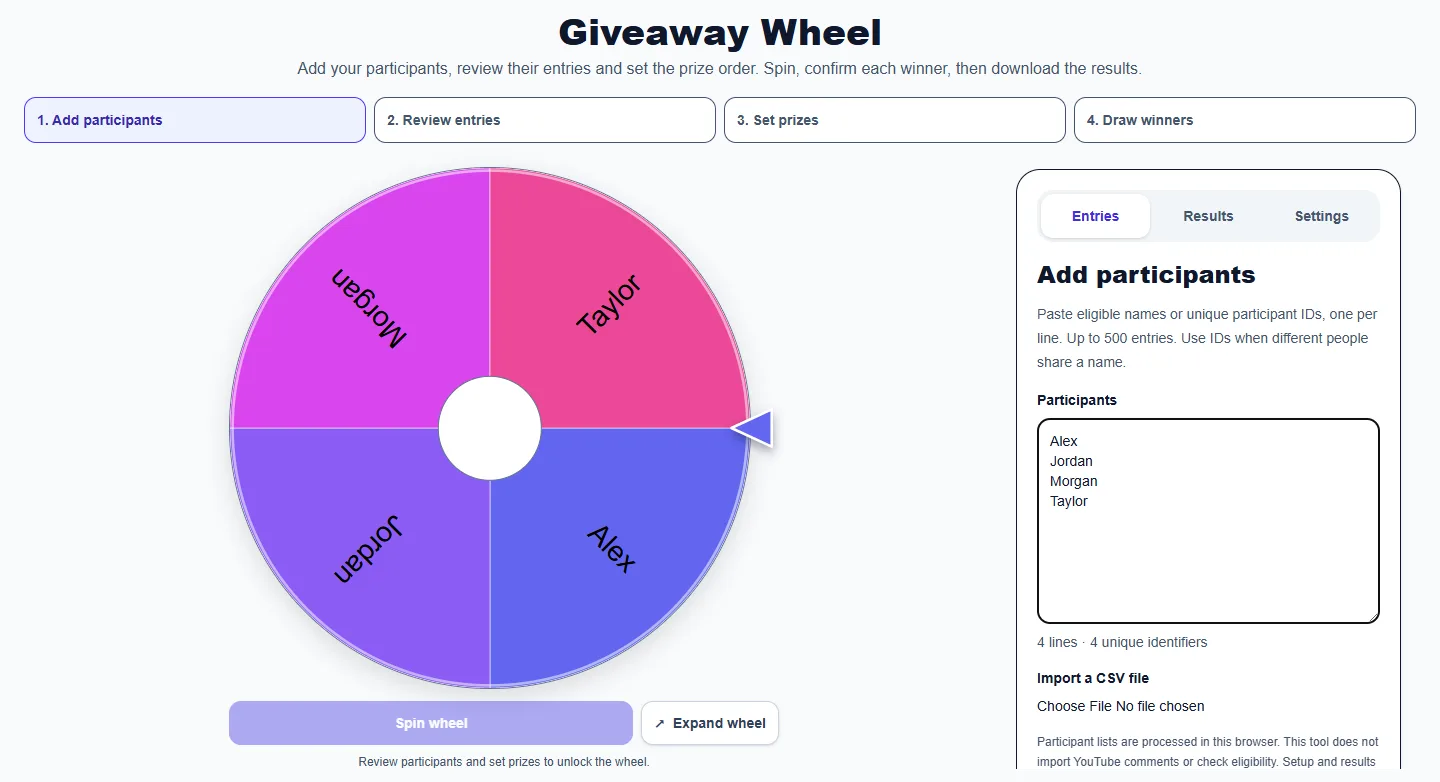
Paste one eligible participant name or unique identifier per line, or import a CSV and choose its participant column. The first row can be treated as a header. Import replaces the current list.
By default, each participant has one entry. Review repeated lines before deciding whether multiple entries are intentional. Matching ignores case and repeated spaces; use distinct IDs for different people who share a name.
Name the giveaway and list prizes in draw order. Use Winner 1 and Winner 2 for an ordinary name draw. Choose whether confirmed winners remain eligible. Removing a winner removes all matching entries.
Start the giveaway to lock the participant list and prize order. Spin for the current prize, review the selected name and confirm it. The wheel remains locked until confirmation; choose Draw next prize to continue.
Download a CSV containing confirmed winners, prizes, selection and confirmation timestamps, draw ID, entry counts and repeat rules. Download before refreshing or starting a new giveaway.
No. Paste your prepared list or upload a CSV. The tool does not check comments, follows or giveaway eligibility.
One entry per participant is the default. Matching ignores case and repeated spaces. Allow multiple entries when extra chances are intentional. Every entry has equal probability.
After confirmation, the removal rule excludes all entries matching that winner. Turn removal off before starting if participants may win multiple prizes.
The reviewed participant list, prize order and duplicate rules are locked when the giveaway starts. Download results and start a new giveaway to change them.
The CSV includes confirmed winners and prizes, UTC timestamps, the draw ID, eligible entry counts and selected rules. It is a local record, not an independently certified draw.
Lists and results stay in the current browser session. CSV imports are processed locally. Refreshing clears the giveaway; download results before leaving.
Up to 500 participant lines and 30 prizes. CSV files must be smaller than 1 MB. With winner removal enabled, there must be at least as many unique participants as prizes.
More from Spinning My Wheel
Jump to another main picker when you need names, decisions, party prompts, or random numbers.
Add names or choices, spin the wheel, and pick one at random.
Open tool →Get a random yes, no, maybe, or decision-style answer.
Open tool →Spin for Truth or Dare with built-in categories and prompts.
Open tool →Choose a number range or open one of our focused random generators.
Open tool →