1
Enter the first ticket number
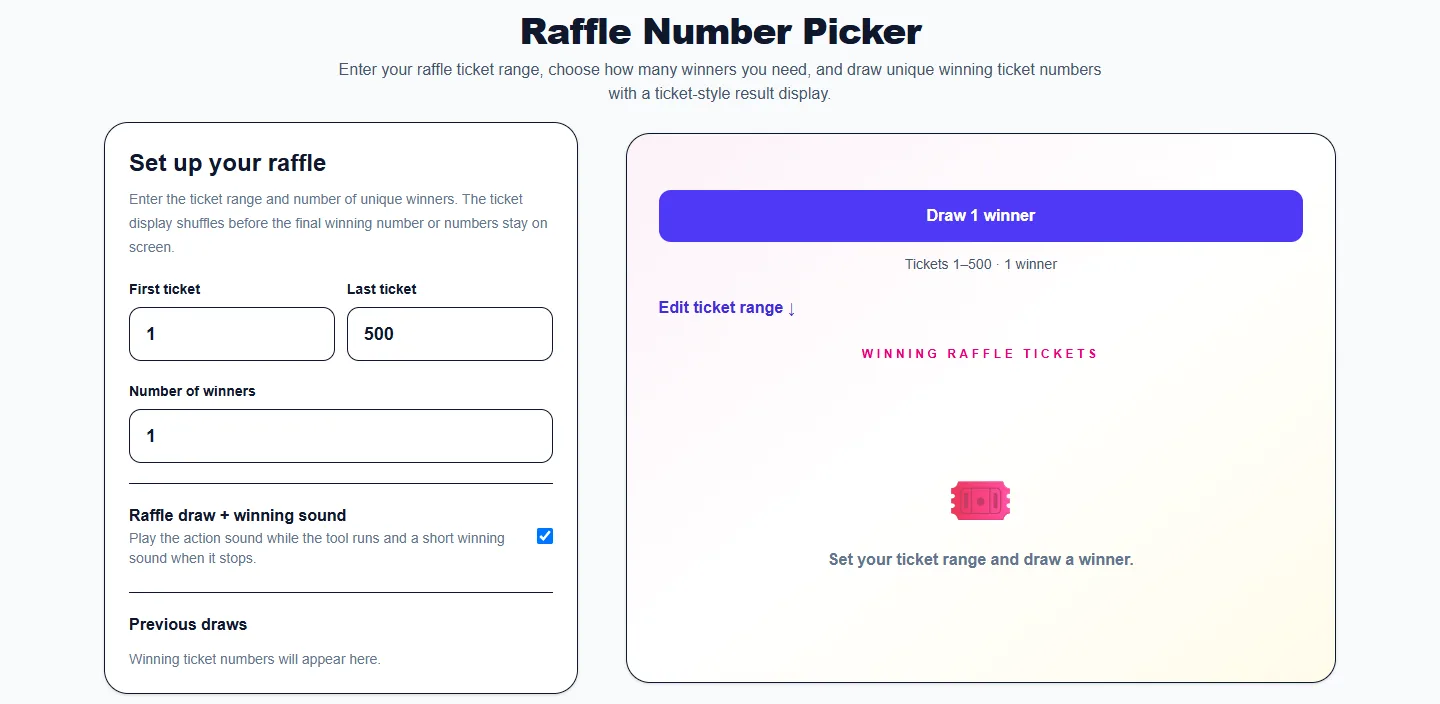
Set the lowest valid ticket number in your raffle. This can begin at 1 or any other numeric starting point used by your event.

Random Raffle Tickets
Enter your raffle ticket range, choose how many winners you need, and draw unique winning ticket numbers with a ticket-style result display.
Ready to draw raffle tickets.
Tickets 1–500 · 1 winner
Edit ticket range ↓Winning raffle tickets
Set your ticket range and draw a winner.
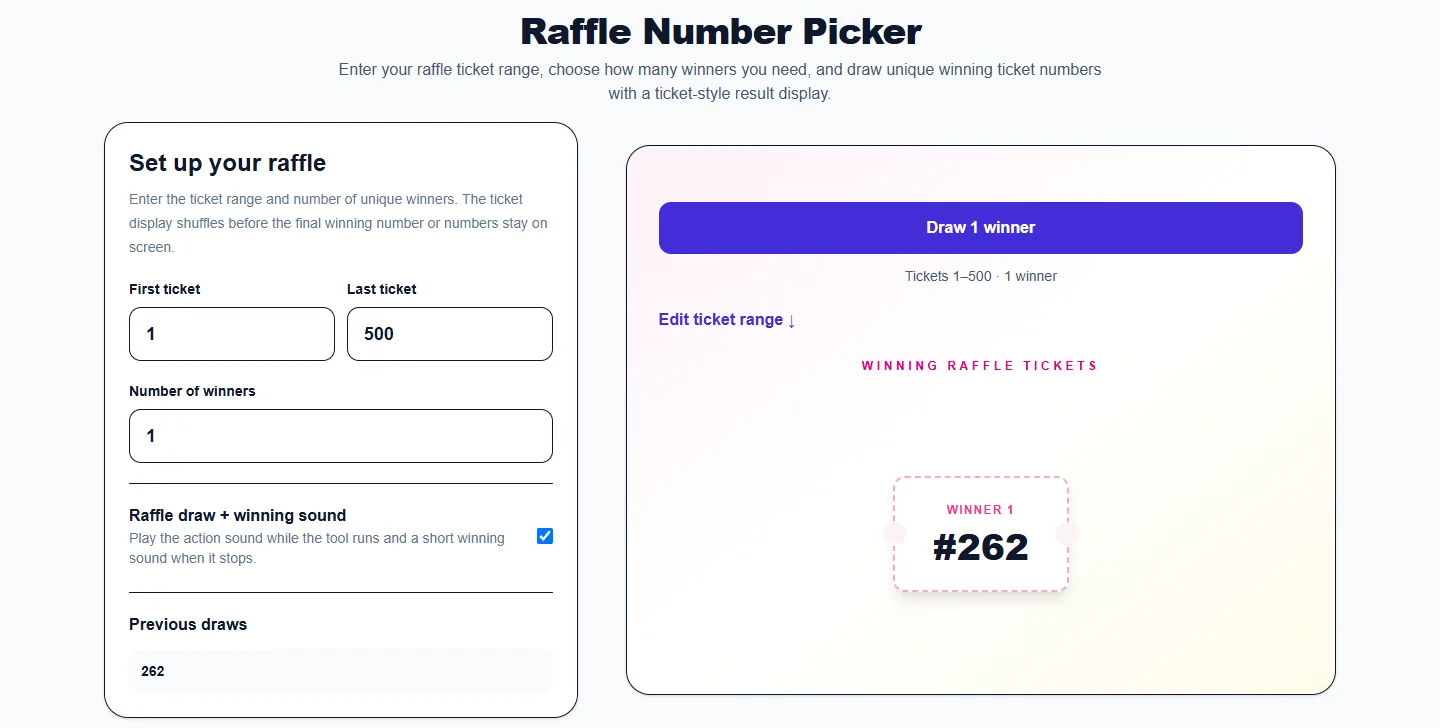
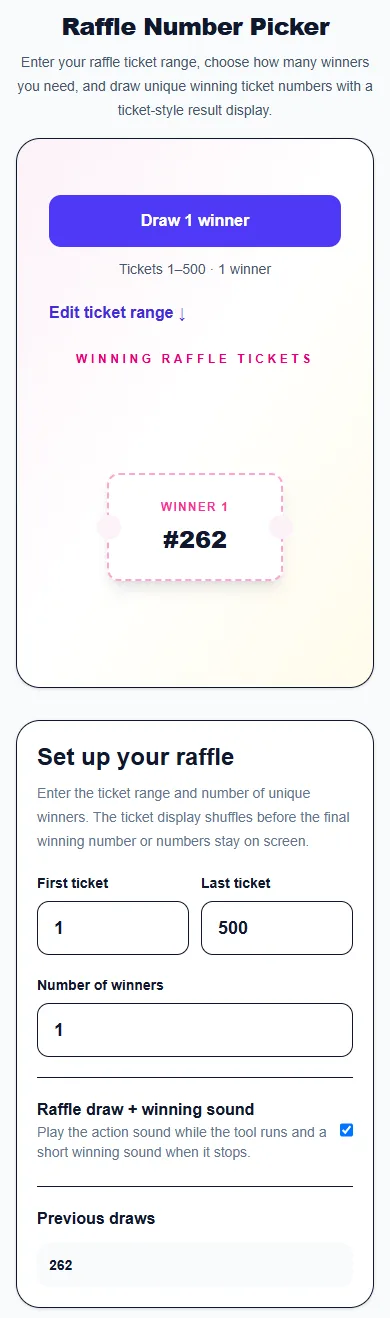
These captures show the current English controls on desktop and phone. Follow the steps below each image; your random results will vary. Select an image to view it at full size.
About this tool
The Raffle Number Picker is designed for numbered tickets rather than names. Enter the first and last ticket numbers in your event, choose how many winners you need, and the tool draws unique ticket numbers from that range.
Results are displayed like winning tickets so the draw feels closer to a real raffle than a generic random-number box. Each winner in the same draw is unique, which prevents one ticket from occupying multiple prize positions.
Use the history to review previous winning sets, draw alternates, or run several prize rounds from the same ticket range.
Set the lowest valid ticket number in your raffle. This can begin at 1 or any other numeric starting point used by your event.
Set the highest ticket number. The picker builds the eligible ticket range between your first and last values.
Select one winner for a single prize or draw several unique ticket numbers for multiple prize positions.
Press the draw button. The tool randomly selects unique tickets and displays them as individual winner cards.
Earlier winner sets stay in the draw history so you can reference them during the event.
The same ticket cannot appear twice inside one winner set, making the tool suitable for multi-prize raffle drawings.
You are not limited to 1–100. Use the actual numeric range printed on your tickets.
Draw several winners at the same time instead of repeating a one-number generator for every prize.
Winning numbers are displayed in a raffle-ticket design so the result is clear and event-friendly.
Draw numbered tickets for school, nonprofit, club, or community fundraising events.
Assign attendee numbers and draw one or more prize winners during an event.
Use ticket numbers instead of participant names when your giveaway already has a numbered entry system.
Run another draw to select backup winners when an original winning ticket cannot claim a prize.
No. Winner numbers are unique within each draw.
Yes. Set the number of winners before drawing.
Yes. Enter any valid first and last ticket numbers.
Yes. Previous draw sets remain visible in the history during your current session.
More from Spinning My Wheel
Jump to another main picker when you need names, decisions, party prompts, or random numbers.
Add names or choices, spin the wheel, and pick one at random.
Open tool →Get a random yes, no, maybe, or decision-style answer.
Open tool →Spin for Truth or Dare with built-in categories and prompts.
Open tool →Choose a number range or open one of our focused random generators.
Open tool →