1
Enter an optional question
Your question is shown beside the answer but is not required.

One-Tap Answer Generator
Press one large button for an instant, accessible 50/50 Yes or No answer—no wheel animation required.
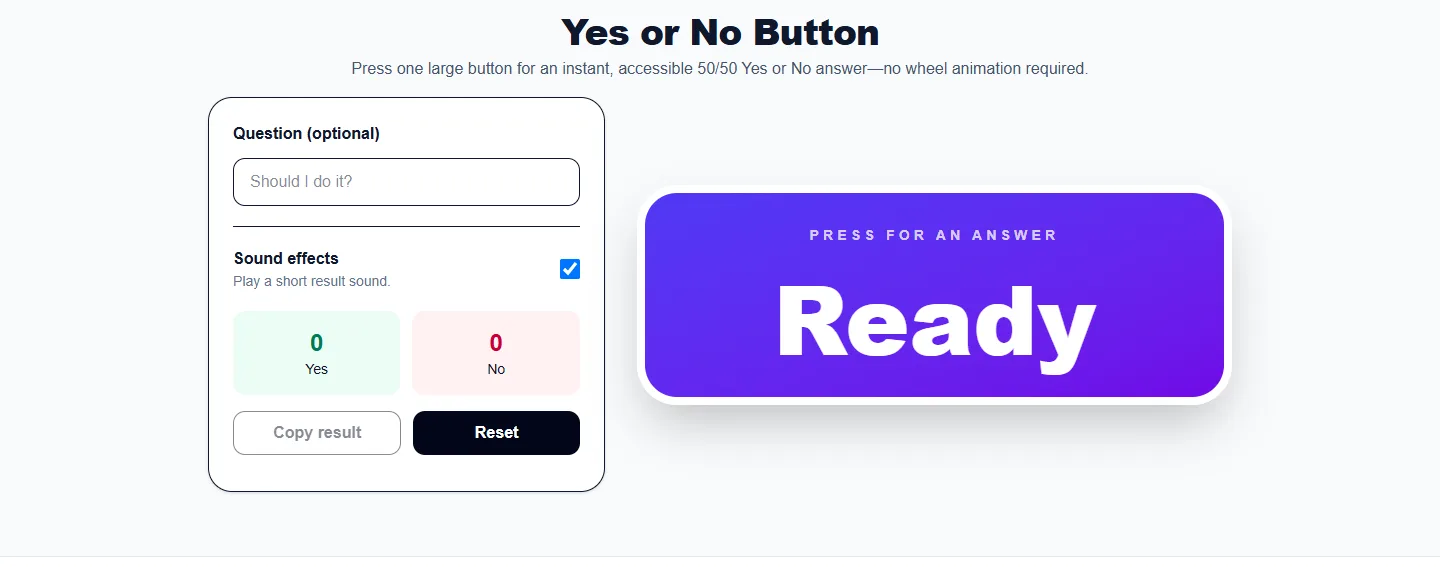
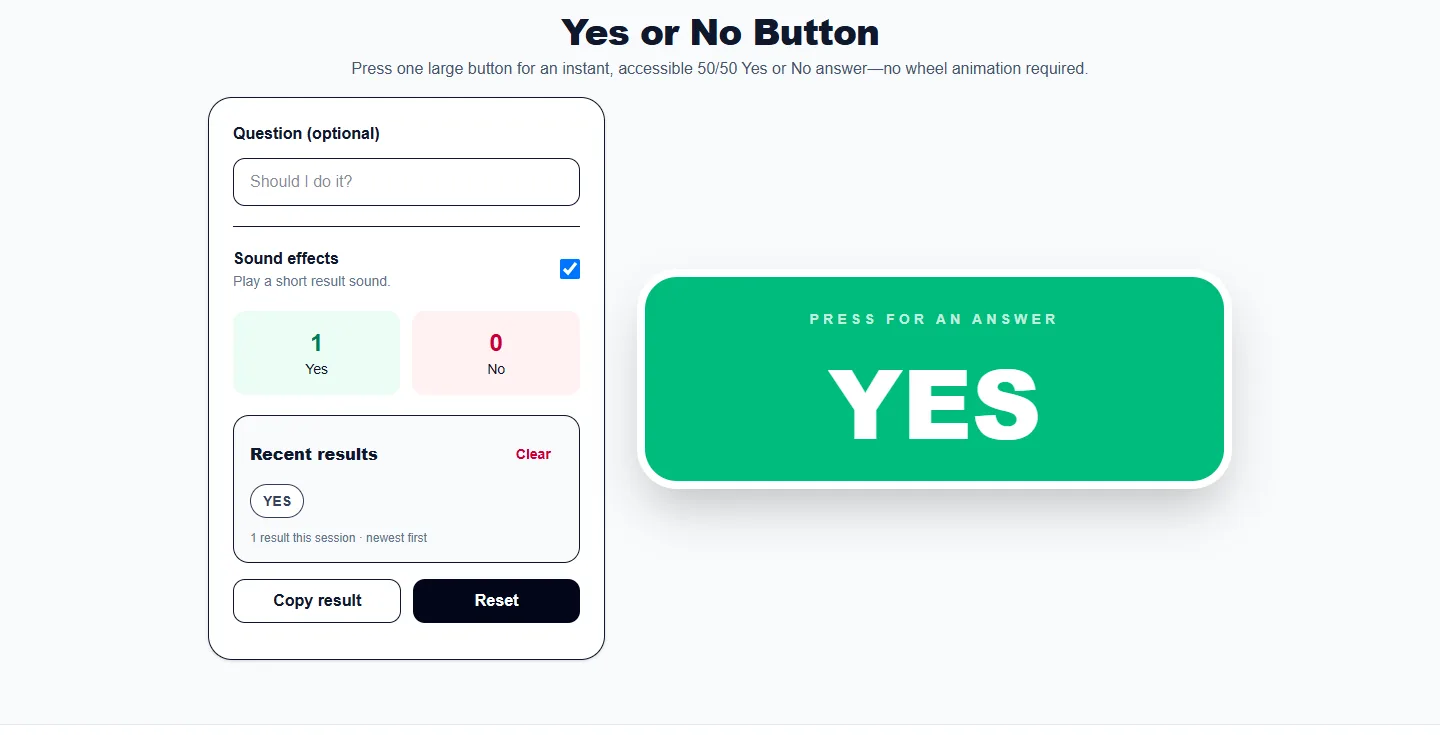
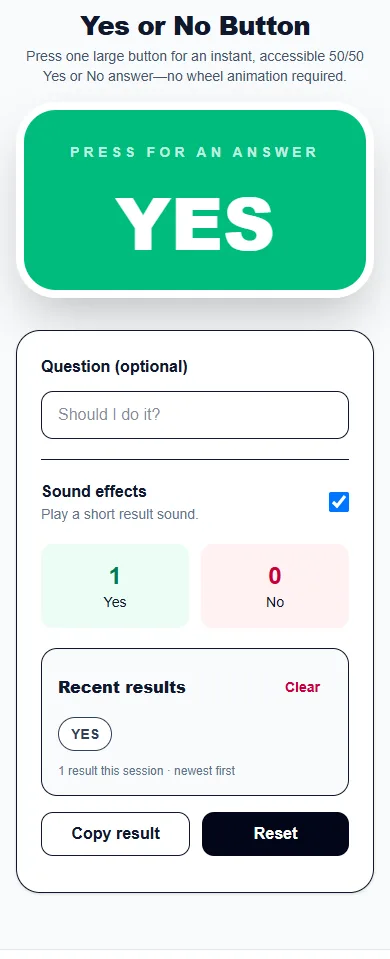
These captures show the current English controls on desktop and phone. Follow the steps below each image; your random results will vary. Select an image to view it at full size.
About this tool
The Yes or No Button removes every extra step. Add a question if you want context, then press the button to get an immediate answer with equal odds.
Session totals show how many Yes and No answers have appeared. Reset clears the result and statistics so you can begin a fresh round.
Your question is shown beside the answer but is not required.
One press generates either Yes or No with equal probability.
Copy a useful result or clear the current session statistics.
These examples show how the tool can turn a common question or list into a clear random result.
Type the question, press once, and receive an immediate Yes or No without a wheel animation.
Use the button to break a low-stakes tie when starting now and waiting are both acceptable.
Press several times and compare the live Yes and No totals while remembering that short streaks are normal.
Get an answer without waiting for a wheel or animation.
Use a large keyboard-friendly control with a clearly announced result.
Run a set of 50/50 trials and compare the session totals.
Yes. It randomly selects one of two equally likely outcomes.
No. Short random sequences commonly contain streaks even when both outcomes have equal odds.
Yes. Focus the button and press Enter or Space.
No. The question field is optional. Focus the large answer button and press Enter or Space, or select it with a pointer, to get a new independent Yes or No answer.
More from Spinning My Wheel
Jump to another main picker when you need names, decisions, party prompts, or random numbers.
Add names or choices, spin the wheel, and pick one at random.
Open tool →Get a random yes, no, maybe, or decision-style answer.
Open tool →Spin for Truth or Dare with built-in categories and prompts.
Open tool →Choose a number range or open one of our focused random generators.
Open tool →