1
Paste or type a list
Enter one choice per line and remove any items you do not want included.

Random Choice Picker
Paste a list of choices and pick one instantly, with optional repeat prevention and result history.
Random choice
Your choice will appear here
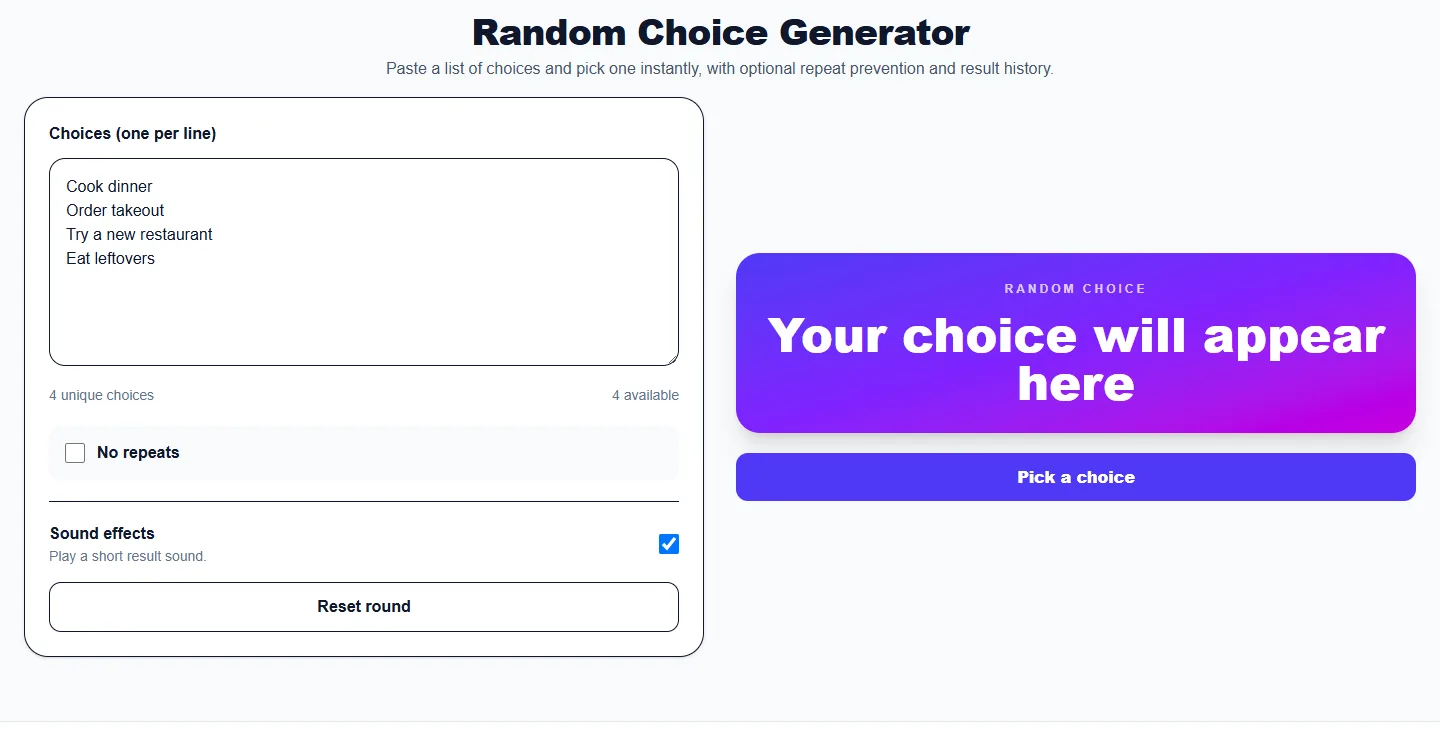
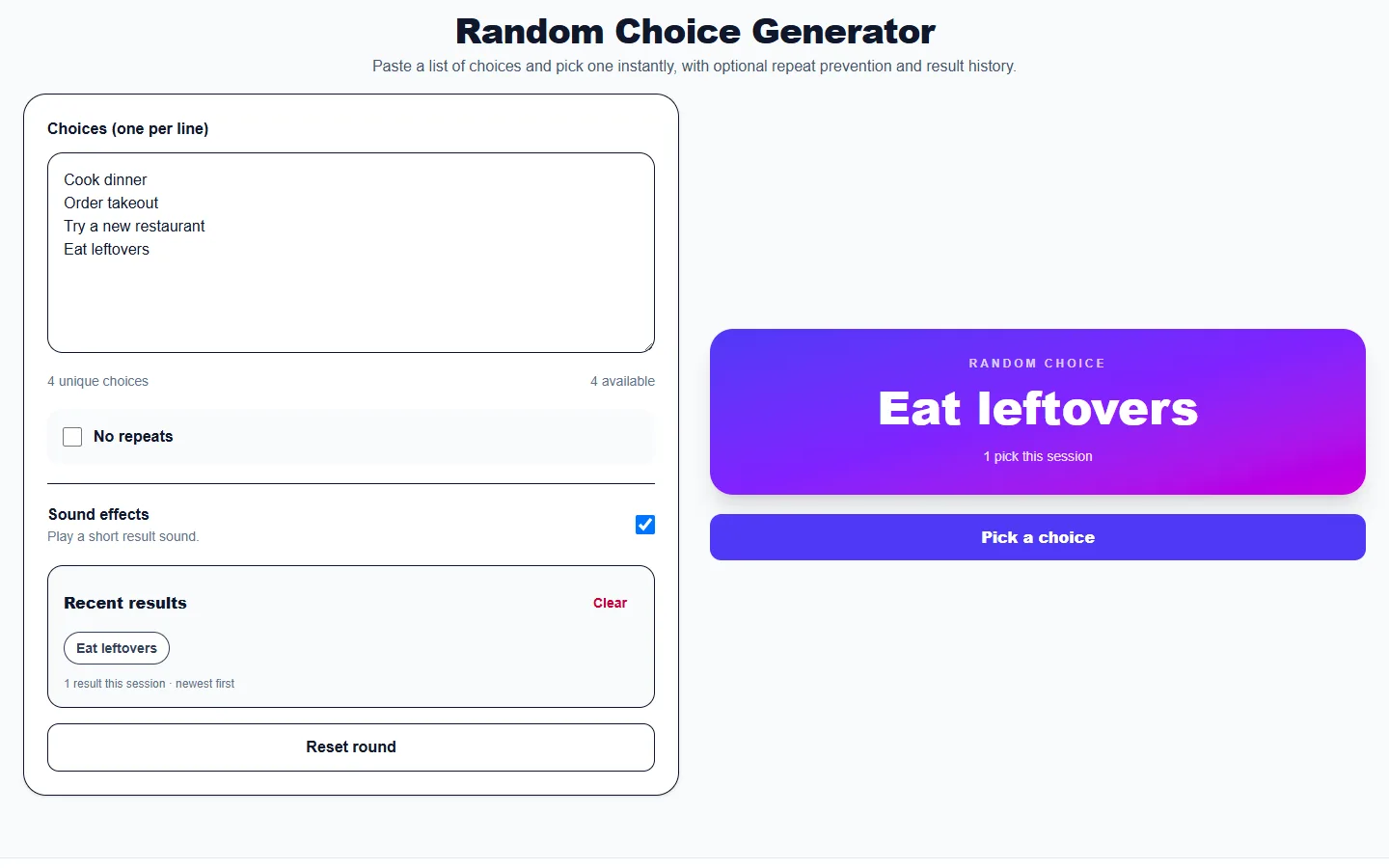
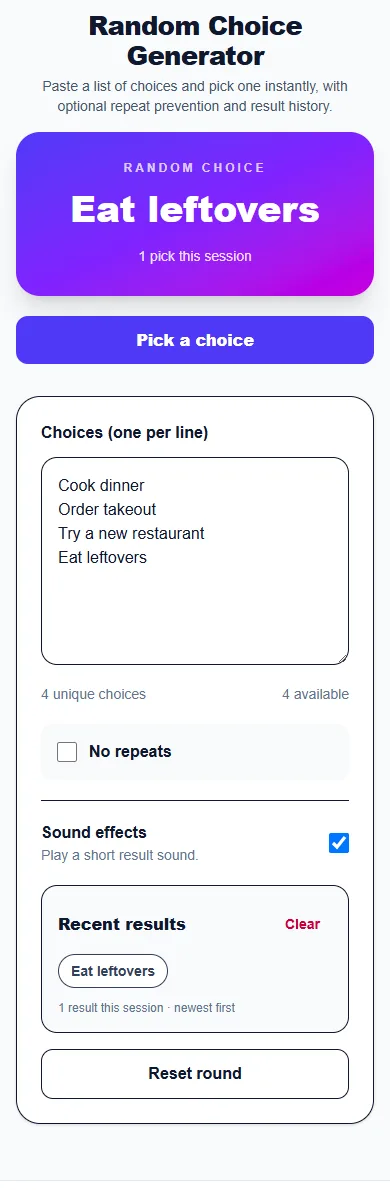
These captures show the current English controls on desktop and phone. Follow the steps below each image; your random results will vary. Select an image to view it at full size.
About this tool
A random choice generator selects one item from a list without requiring a spin animation. It is designed for fast repeated picks and works with names, foods, activities, assignments, or any short text choices.
No-repeat mode removes each selected item until the list is exhausted or reset. Allow-repeat mode keeps every valid choice available for every pick.
Enter one choice per line and remove any items you do not want included.
Keep all choices available or remove winners until the round resets.
Select Pick a choice for an immediate result and session history.
These examples show how the tool can turn a common question or list into a clear random result.
Enter Cook dinner, Order takeout, Try a new restaurant, and Eat leftovers, then generate one choice.
Add only Option A and Option B when you want a fast random choice generator for two alternatives.
Enable No repeats and keep picking until every name, task, or activity has appeared once.
Choose what to eat, watch, play, or do next.
Pick topics, teams, activities, or student turns.
Select a backlog item, icebreaker, reviewer, or meeting order.
No. Duplicate choices are combined so accidental copies do not change the odds.
Yes. Choose Allow repeats, or switch to No repeats for unique results.
The tool accepts up to 100 unique choices for a fast browser-based result.
More from Spinning My Wheel
Jump to another main picker when you need names, decisions, party prompts, or random numbers.
Add names or choices, spin the wheel, and pick one at random.
Open tool →Get a random yes, no, maybe, or decision-style answer.
Open tool →Spin for Truth or Dare with built-in categories and prompts.
Open tool →Choose a number range or open one of our focused random generators.
Open tool →