Random player picker

Spin the Bottle Online

Add the players, spin the animated bottle and give the selected person a Truth or Dare prompt.

Add at least two names, one per line.

4 unique players

100 Truths • 100 Dares

Spinner style

Both styles use the same fair player-selection calculation.

Optional player tracker

Track whose turn it is and the rounds each player completes. These are turn counts, not scores.

AlexJordanTaylorMorgan

Spin to choose a player.

Recent results

No results yet.
Player picker

How to use Spin the Bottle

Add the players, spin the animated bottle and give the selected person a random Truth or Dare prompt.

Spin the Bottle Online is a visual random player picker for Truth or Dare. Add two or more unique names, choose the classic bottle or spicy pepper style, and let the centered spinner point to one player.

The selected name is calculated first and the animation finishes with the tip aimed at that player. After selection, draw a Truth or Dare from the party pool; reset clears results without shuffling player positions.

  1. 1

    Add at least two player names.

  2. 2

    Press Spin the Bottle to select a player.

  3. 3

    Choose Truth or Dare for the selected player.

Spin the Bottle Online: Setup and Example Results

These captures show the current English controls on desktop and phone. Follow the steps below each image; your random results will vary. Select an image to view it at full size.

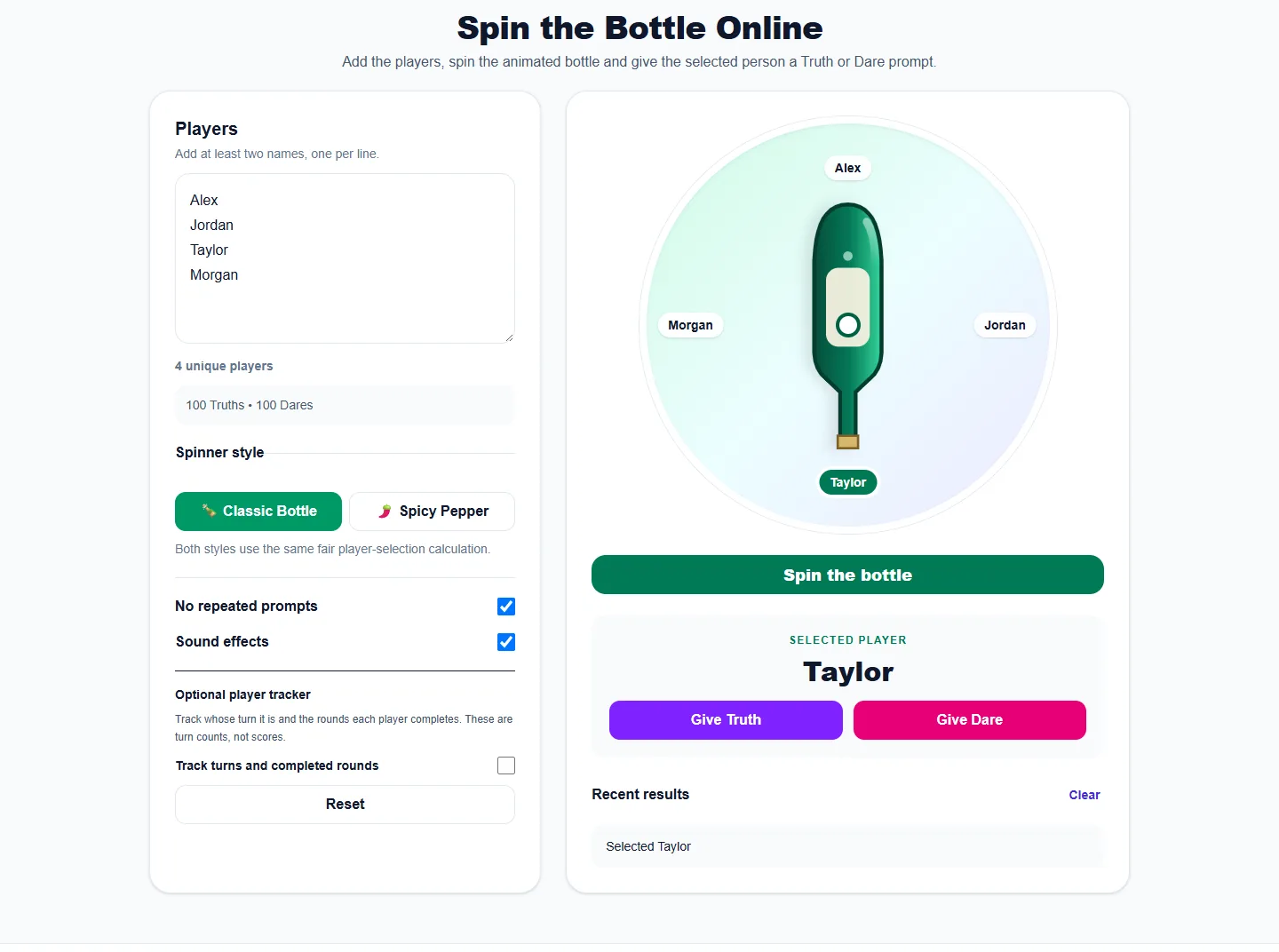
Set up on desktop

Spin the Bottle Online: desktop setup and controls
Enter at least two unique player names and choose Bottle or Pepper. Both styles use the same player-selection logic.

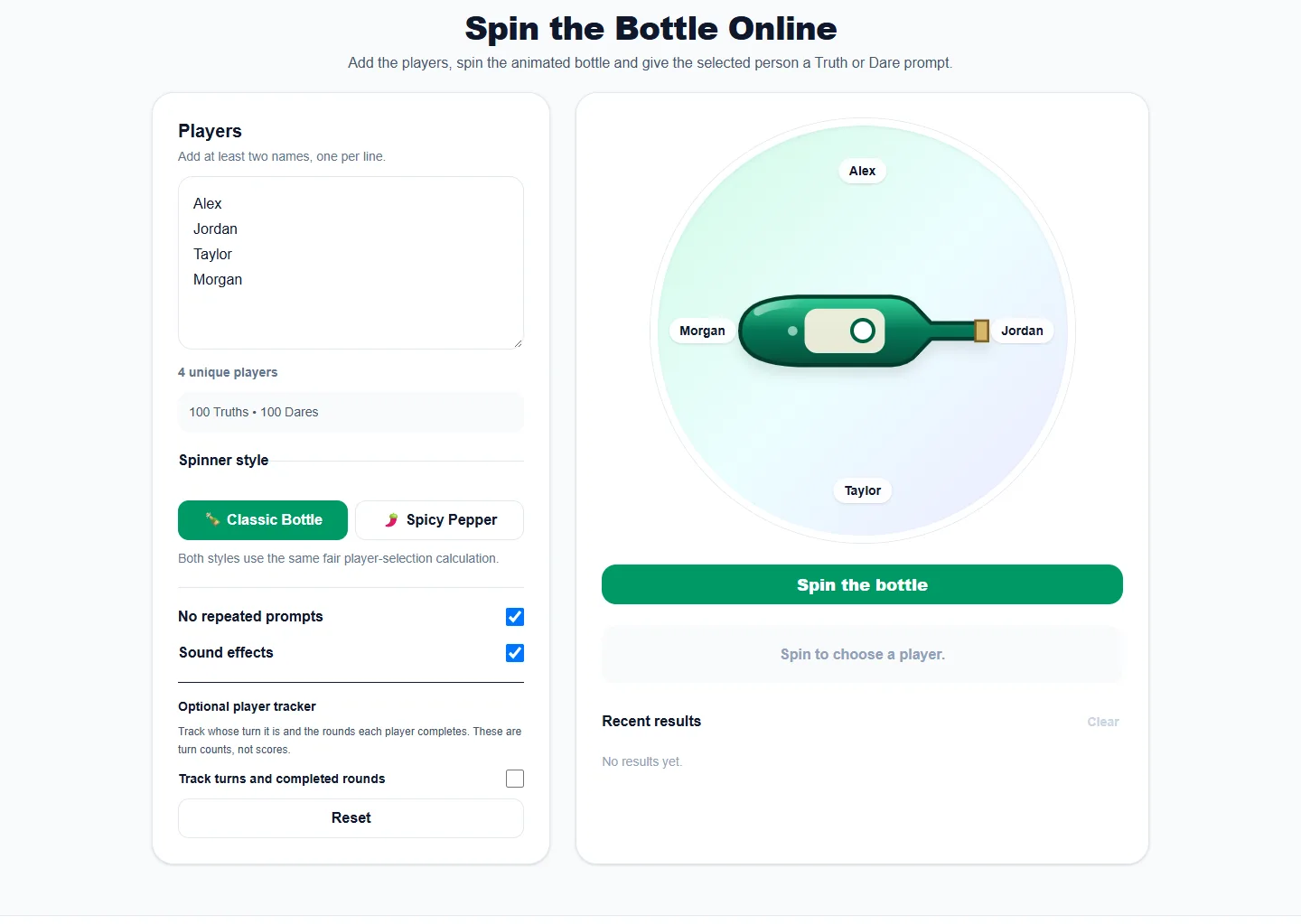
Read the result

Spin the Bottle Online: completed example and available controls
Spin to choose a player, then choose Truth or Dare for that person. Recent results records prompts; the optional tracker records completed rounds and passes separately.

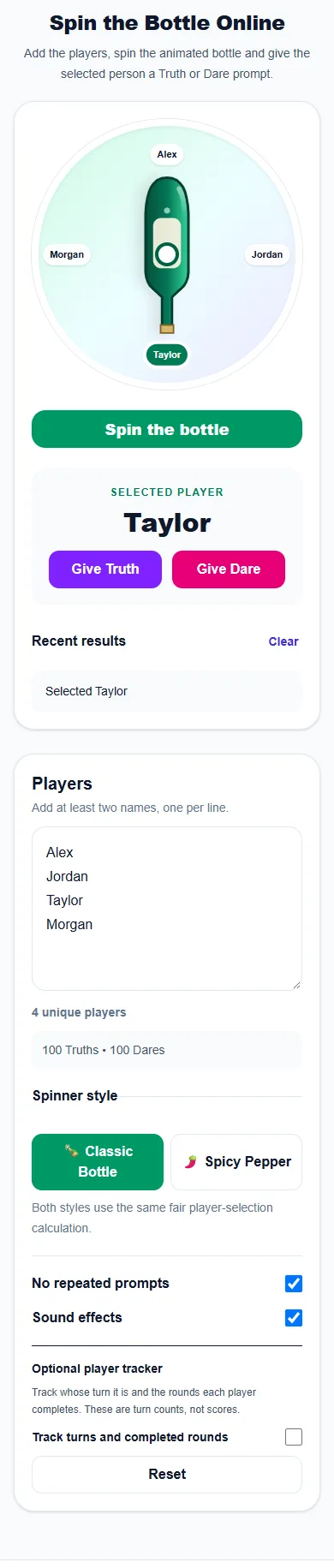
Use it on a phone

Spin the Bottle Online: phone layout with a completed example
On a phone, the tool and controls stack vertically. Spin to choose a player, then choose Truth or Dare for that person. Recent results records prompts; the optional tracker records completed rounds and passes separately.

Real examples

  • Use names at a birthday party.
  • Pick turns during a sleepover.
  • Use it as a random player selector without prompts.

Best ways to use it

  • Truth or Dare turn selection
  • Party games
  • Random player picking

Frequently asked questions

Does the bottle use the phone camera?

No. It is a browser animation and does not access your camera.

How many players are required?

Add at least two non-empty names.

Is the selected player random?

Yes. The selected index comes from the browser’s cryptographic random-number generator.

Can I track completed rounds and passes?

Enable Track turns and completed rounds below Sound effects. The tracker uses the player names entered above and follows the player selected by the game. Mark Completed round or Pass round to record their response; generate or spin again to choose another player. Counts clear on refresh and Reset rounds clears only these counts.

More from Spinning My Wheel

Explore Our Main Tools

Jump to another main picker when you need names, decisions, party prompts, or random numbers.